
Create your own jigsaw · Free to play online
Your next jigsaw could be a selfie!
Pull a face. Get everyone in the picture. Take a photo on your phone and turn it into a jigsaw to play straight away.
On a phone, Take a photo asks for your camera. If your browser opens a file picker, choose a photo from your device instead.
JPG, PNG, GIF or WebP · up to 20 MB. Portrait photos fit too. If your iPhone photo won’t open, use a JPG copy.
Your photo stays in this browser tab.
It is not uploaded or shared. Your original photo is unchanged.
Closing or reloading this tab clears your puzzle. You cannot save it to finish later.
Your photo is used in this browser tab. The puzzle tool does not upload it or create a share link. Privacy details.

If you submit a score, your nickname, time and date are public. We keep the top five for each puzzle setting until replaced; there is no fixed expiry. Older fastest-time records may also remain. Use a nickname, not personal details. Ask Geoff to remove a result. Privacy details.
From selfie to jigsaw

1. Snap or choose
Take a family selfie, pull a silly face, or choose a favourite photo.
2. Check your picture
Happy with those smiles? Preview your picture before you start.
3. Start puzzling
Choose your pieces and put those familiar faces back together.
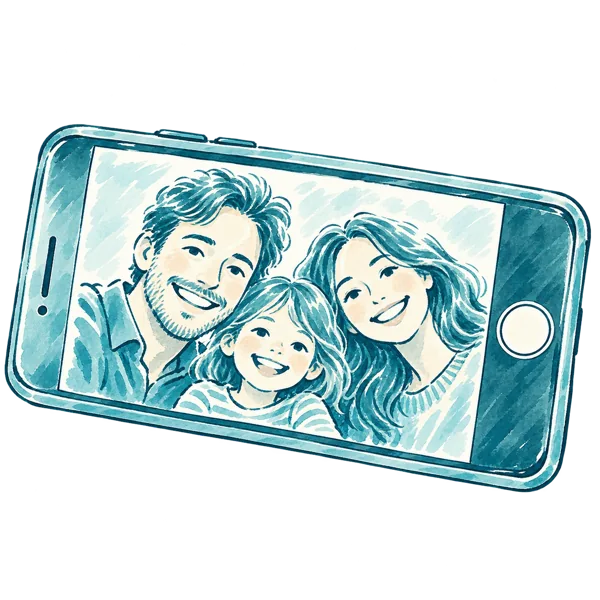

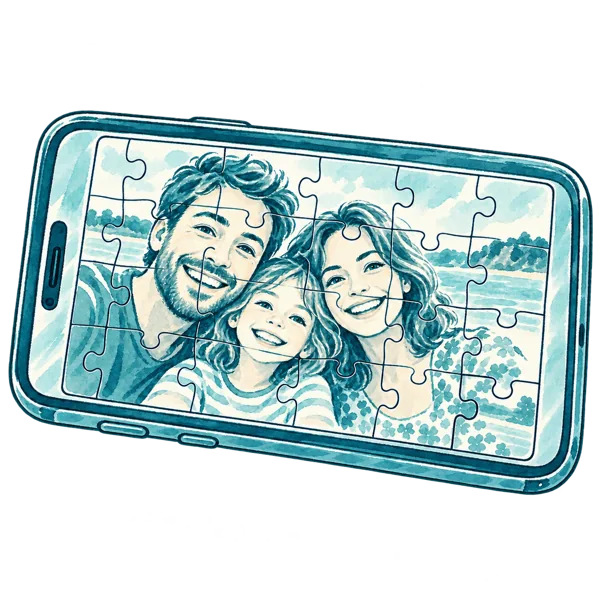
Illustrated steps, rather than screenshots of the puzzle tool.
Phones use 40 pieces. On a larger screen, choose from 40, 104, 308, 504 or 1,000 pieces.
Try a ready-made puzzle first →
Who’s in your next puzzle?
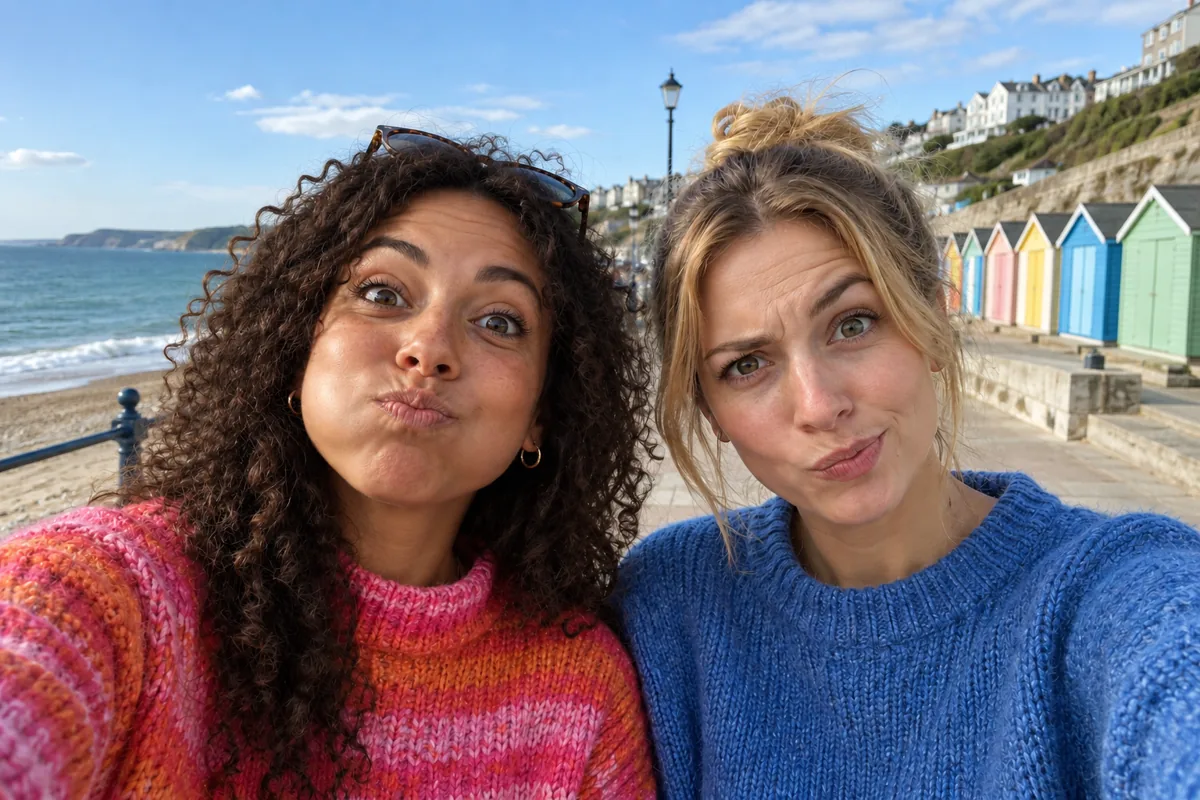
Pull your best silly face
Then put yourself back together, piece by piece.
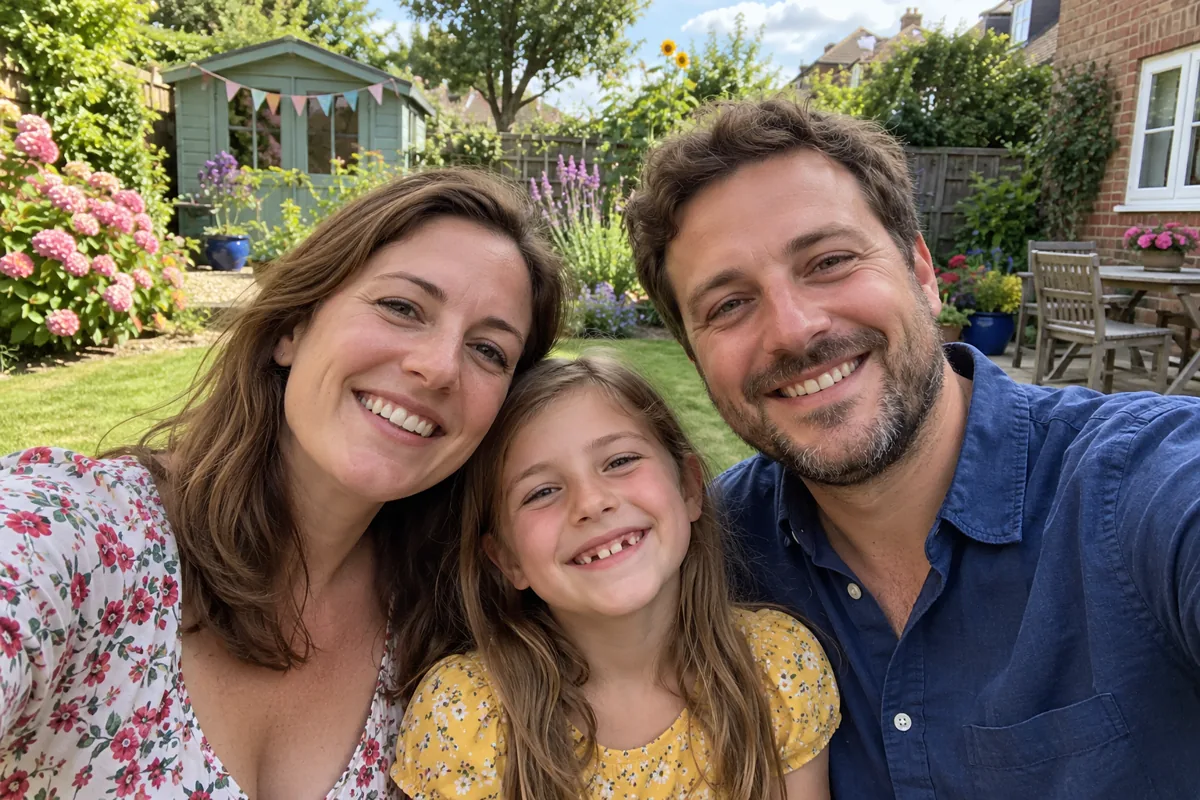
Squeeze everyone in
A family photo with plenty of familiar faces to find.
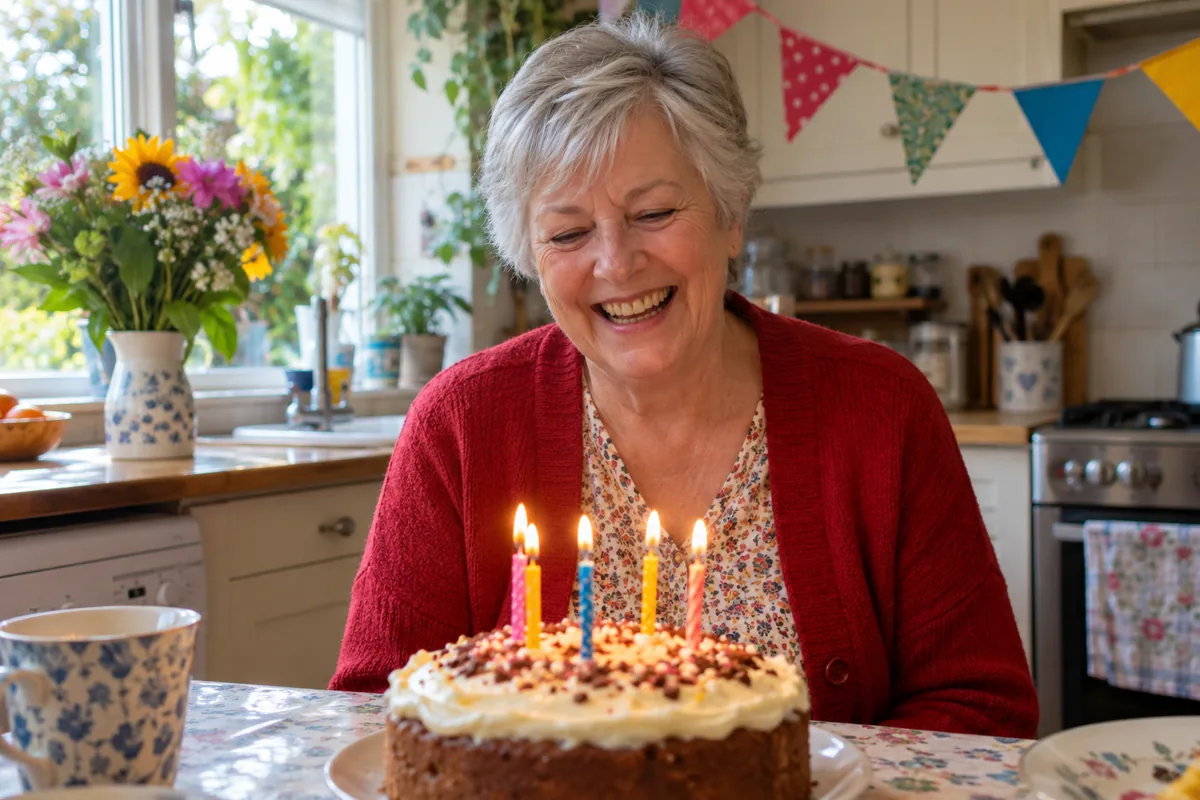
One more birthday surprise
The cake, the candles and that enormous grin—all in your next puzzle.
These example photographs and the step illustrations were created with AI. They are not photographs of my family.
Make room for everyone
- Turn your phone sideways for a picture that fills the puzzle. Portrait photos get a pale border at the sides, so nobody is cropped out.
- Bright clothes, birthday decorations and familiar surroundings give you details to look for.
- Choose a clear photograph so you can still recognise those smiles when they’re in pieces.
Using an iPhone photo
Tap Take a photo to open your phone’s camera, or Choose a photo to look through your pictures. On a computer, Use webcam opens a preview before you take the photo. Camera options depend on your browser. If a HEIC photo won’t open, choose a JPG copy. Your photo is prepared on your device; it is not uploaded for conversion.
Which files can I use?
Choose a JPG, PNG, GIF or WebP up to 20 MB and 50 megapixels. Larger pictures are resized in this tab for the puzzle. Portrait and square photos get a pale border at the sides. GIFs become a still picture. Your original file is unchanged.
Can I save or share my puzzle?
Your photograph is used only in this browser tab. The puzzle tool does not upload it or make a sharing link. Closing or reloading the tab clears your personal-photo puzzle, so you cannot return to it later.
0 Comments